 Winbox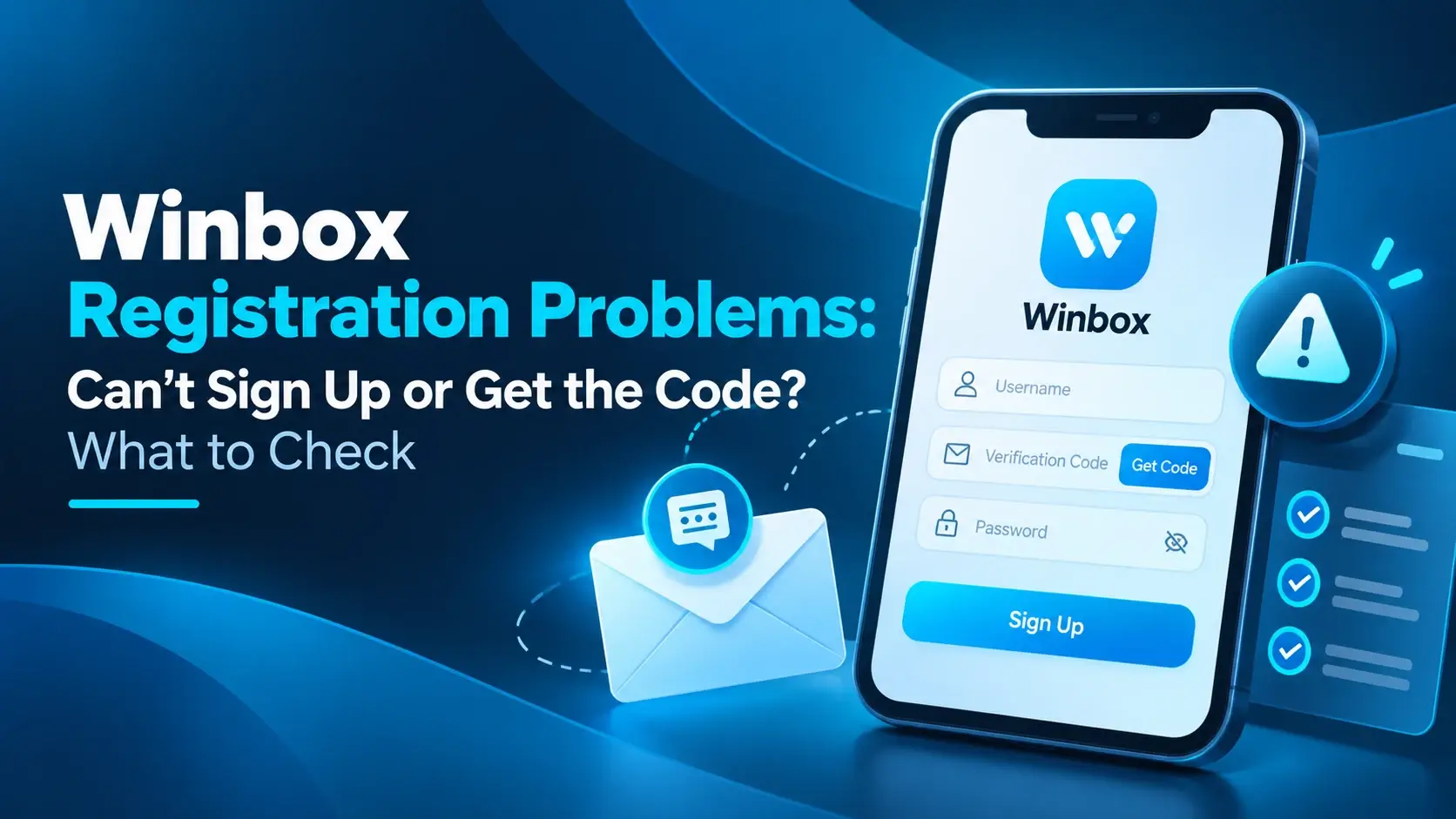
What the sign-up form asks for
The current form asks for an account identifier (your UID), a password, and a way to reach you, meaning a phone number or email. Some sign-ups also ask for a verification step, though not every one does. The exact fields can change, so follow what your own screen asks for rather than a list from somewhere else.
Whatever you enter here is what you use to log in afterwards, so type it carefully and remember it.
The form won't submit
When the button does nothing or the page shows an error, the fix is usually one of these:
- A required field is empty. Scroll through the whole form, not only the part on screen.
- The phone number is incomplete or in the wrong format. Enter the full number the form expects.
- The two password fields don't match, or the password doesn't meet what the form asks for.
- Your connection dropped while you were typing. Refresh and try once more.
Read any red text or highlighted field. It's usually pointing at exactly what the form didn't accept.
The verification code doesn't arrive
A code is only sent when the sign-up asks for one, and it goes to the phone number or email you entered. If nothing shows up:
- Check what you typed. One wrong digit or a typo in the email is the most common cause.
- Wait a short moment, then look for a resend option on the form.
- For email, check the spam or junk folder too.
- Make sure the phone has signal and that you're looking at the right number.
We can't tell you how long a code should take or how often you can request one, because that isn't something we can verify. If the form shows a time limit, follow it. And never give a code to anyone else, even someone who says they're helping you register.
Your UID is already taken
A UID is the account identifier you choose when you sign up, and it has to be unique. The form has a Check button for it, so use that to see whether your choice is free. If it's flagged, try a different one. Adding a few digits or changing the order of words usually works.
Pick something you'll remember. A forgotten UID is one of the main reasons people get locked out later, which is covered in our guide to a forgotten password or UID.
Phone number or email is already registered
This message usually means an account already exists with those details. Maybe you signed up a while ago and forgot. Before you register again, try to log in to Winbox with the UID and password you would have used.
If you can't remember them, use the Forgot Password / UID option instead of making a second account. A second account won't bring back the first one, and it can cause more confusion later.
If you're sure you never registered, the details may have been used by someone else, or entered wrongly in the past. That's a question for the platform's support, since we can't see its records.
The page keeps refreshing or won't load
Refresh once and check your connection. Then try switching between a normal browser and H5, since one may work when the other doesn't. Registration isn't limited to one device, so a desktop browser is also fine if your phone is struggling.
Some people prefer to register inside the app. If that's you, get the Winbox app first, and if the install itself is the problem, see what to do when the Winbox app won't install or open. You don't need the app to register.
Mistakes that make it worse
- Creating several accounts to get past an error. It rarely fixes anything.
- Using someone else's phone number or email. Use details you control, since you may need them later.
- Signing up on a copy of the page. Check the web address before you type anything.
- Reusing a password from another account.
- Sending a verification code to a stranger who offers help.
If you're still stuck
Some things only the platform can check, such as whether your details are on file or why a particular number is refused. This is an independent information site, not the operator, so we can't look into your sign-up. Use the support option on the platform and give them the exact message you see. If you want the full screen-by-screen version first, there's a Winbox register tutorial, and the Winbox88 homepage lists everything else on this site.